Consistency across NASPA social channels helps members locate and trust official accounts. Use approved account names, profile graphics, templates, and publishing practices.
Social media essentials
Names and handles: Begin handles with NASPA and use the accepted group abbreviation or region number. Use the full group name on Facebook and LinkedIn.
Profile images: Use the approved no-tagline NASPA logo or official constituent group lockup, and preview circular crops before publishing.
Account access: Use an organization-managed email, multi-factor authentication, and at least two current administrators.
Accessible publishing: Add meaningful alternative text, caption video, use plain language, and keep essential content out of crop zones.
Sensitive topics: Pause and follow the established escalation process for emergencies, criticism, legal issues, or other high-risk topics.
NASPA Brand Portal
Social Media Resources
Search social media templates and guidance, then narrow the results by audience, use, or source.
22 results · 22 individual resources
Showing Social Media resources
Template
Announcements
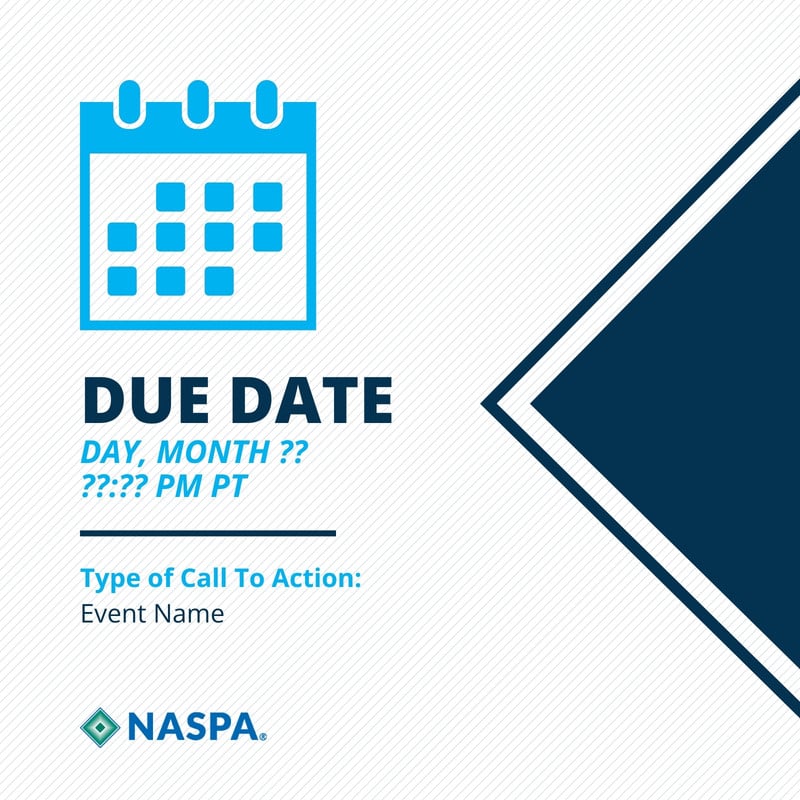
Social - Announcement - Application Deadline
Highlight an approaching application deadline with a direct call to action.
Canva · Staff access
Social MediaSocial Media Templates
Guidance
Social Media
Social Media Templates
Browse all NASPA social templates for a variety of use cases.
NASPA Guidelines
Template
Announcements
Social - Announcement - Course Enrollment
Promote registration and enrollment windows for learning opportunities.
Canva · Staff access
Template
Announcements
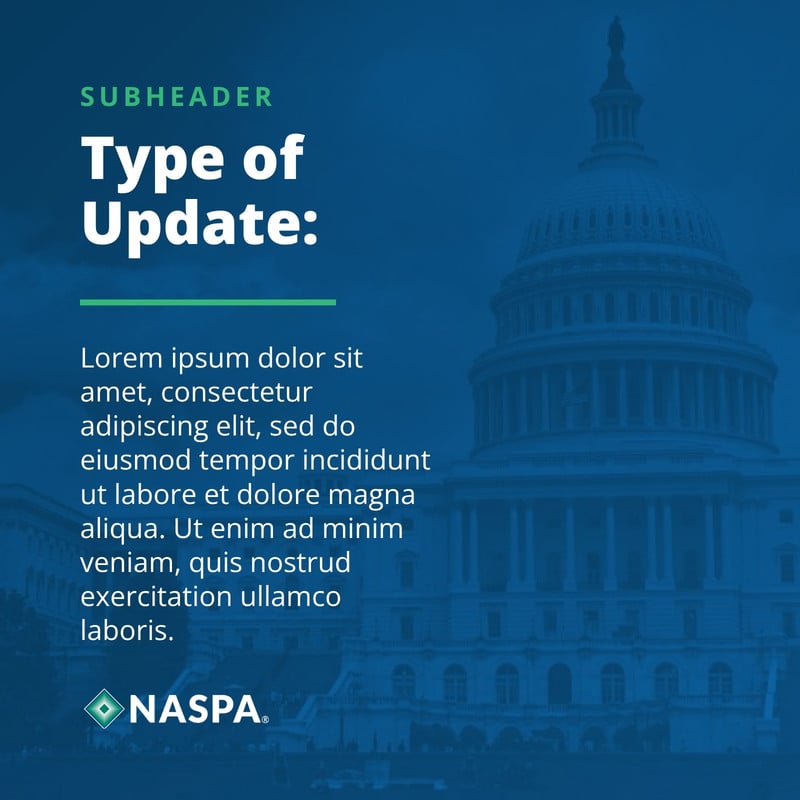
Social - Announcement - Policy & Advocacy Update
Share timely policy and advocacy news in a consistent format.
Canva · Staff access
Template
Announcements
Social - Announcement - Resource & Tool Launch
Introduce a new resource, publication, or member tool.
Canva · Staff access
Template
Data
Social - Data - 3-Point Takeaway List
Summarize three high-value findings or recommendations.
Canva · Staff access
Template
Data
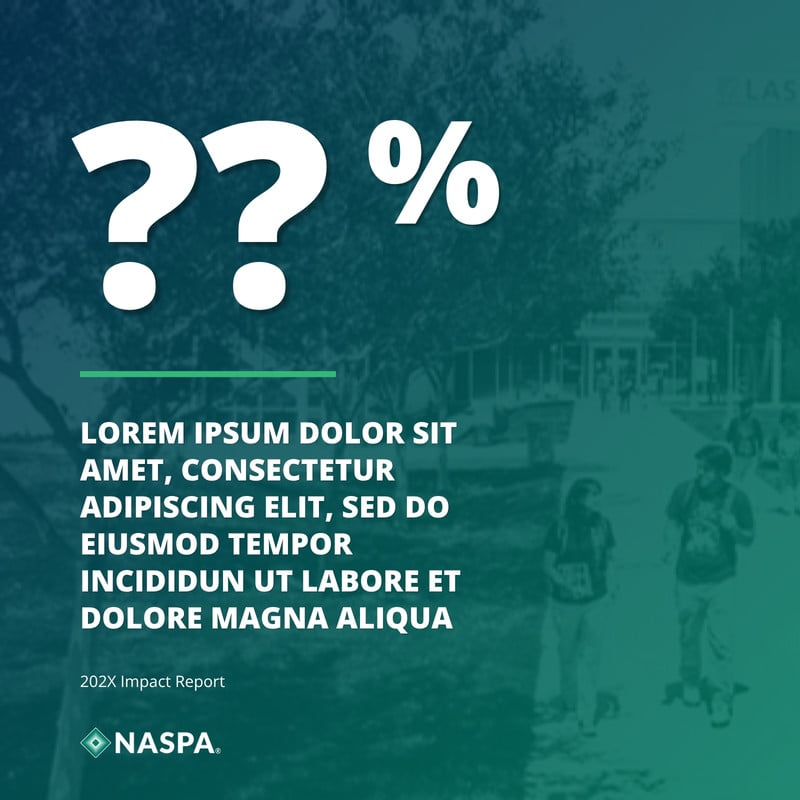
Social - Data - Big Number
Lead with one compelling figure and its context.
Canva · Staff access
Template
Data
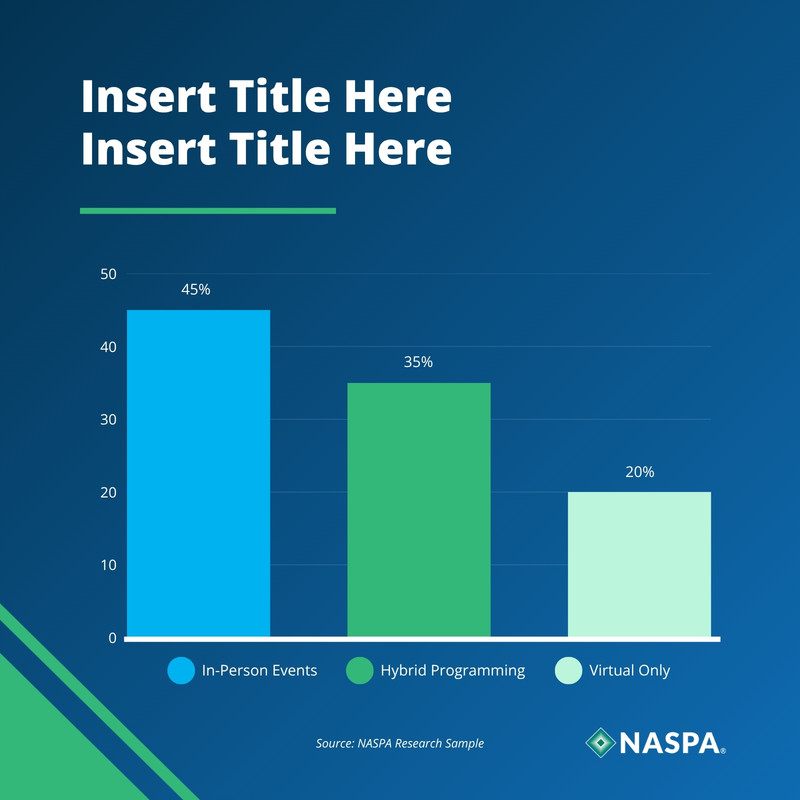
Social - Data - Comparison Bar Chart
Compare categories or results with a clear visual hierarchy.
Canva · Staff access
Template
Data
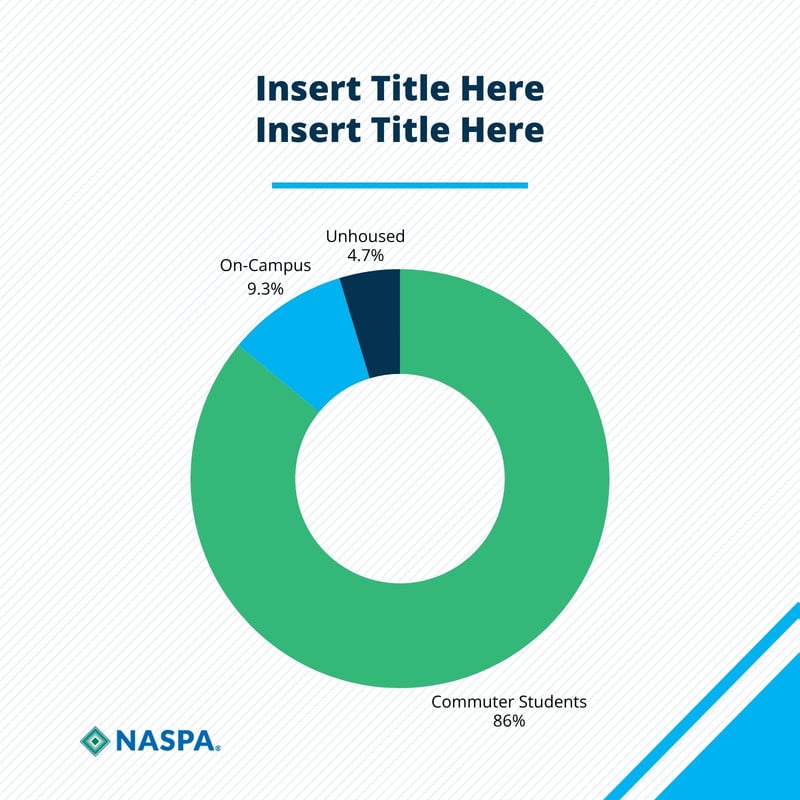
Social - Data - Donut Chart
Present a proportional finding in an accessible visual format.
Canva · Staff access
Template
Member Stories
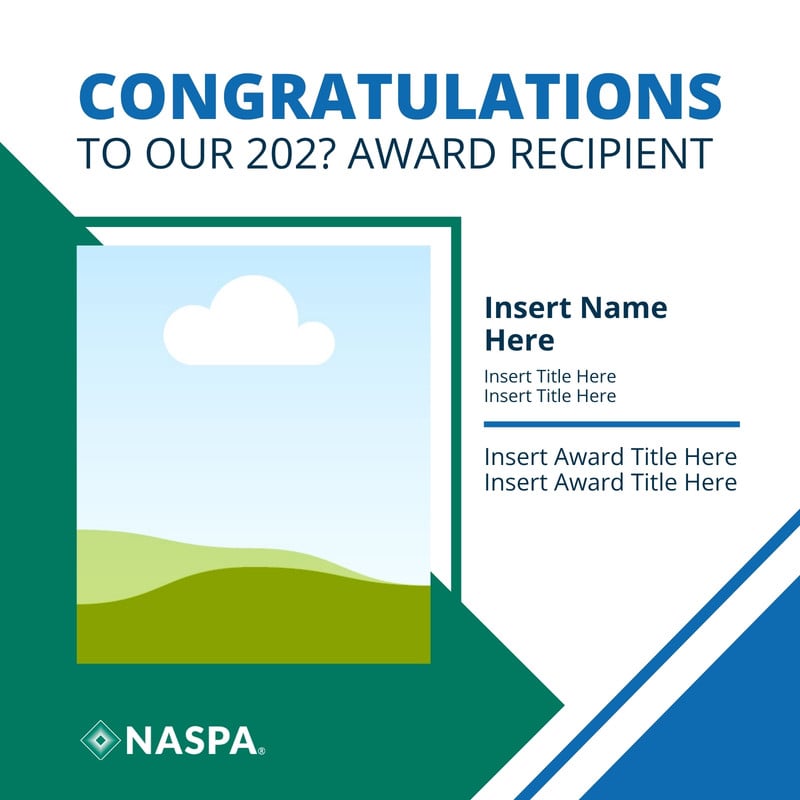
Social - Membership - Award & Recognition
Celebrate a member's award, achievement, or recognition.
Canva · Staff access
Template
Member Stories
Social - Membership - Cohort Welcome
Welcome a new cohort and introduce its members to the community.
Canva · Staff access
Template
Member Stories
Social - Membership - Day in the Life Takeover
Introduce a member-led social takeover and share a day in their professional life.
Canva · Staff access
Template
Member Stories
Social - Membership - Professional Spotlight
Feature a member's role, perspective, and contribution.
Canva · Staff access
Template
Quotes
Social - Quote - Bold Text
Use typography as the primary visual for a concise message.
Canva · Staff access
Template
Quotes
Social - Quote - Member Testimonial
Share an attributed member experience or endorsement.
Canva · Staff access
Template
Quotes
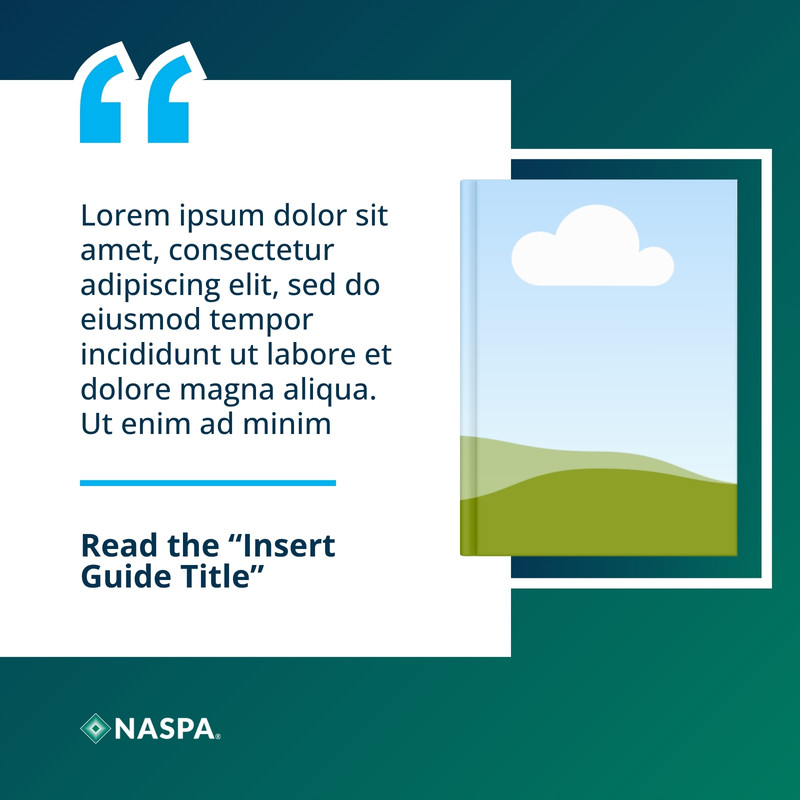
Social - Quote - Publication Excerpt
Highlight a short excerpt from a NASPA publication.
Canva · Staff access
Template
Quotes
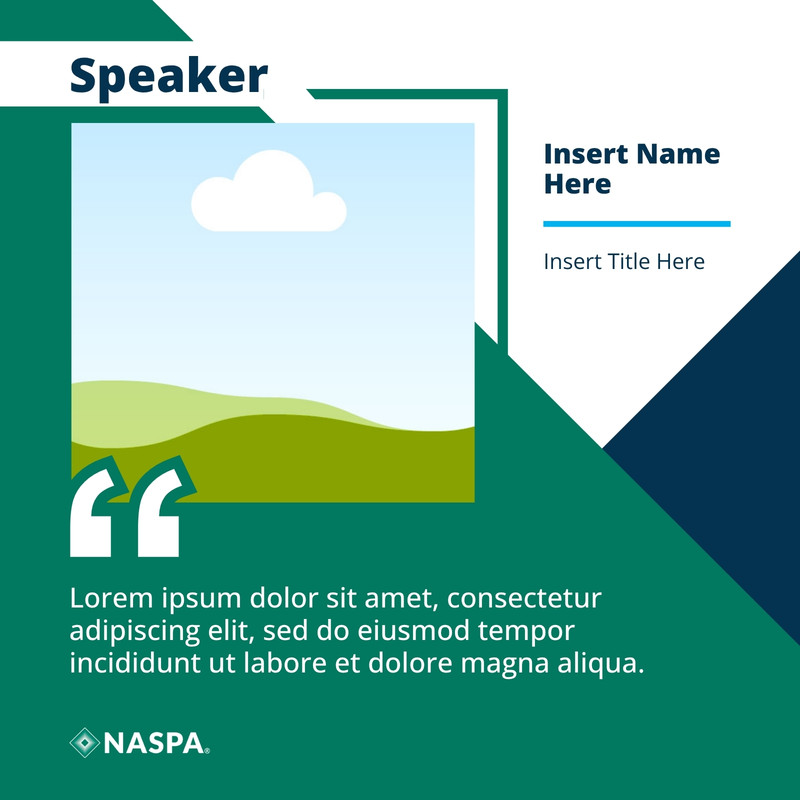
Social - Quote - Speaker
Pair a speaker statement with clear event attribution.
Canva · Staff access
Template
Webinars
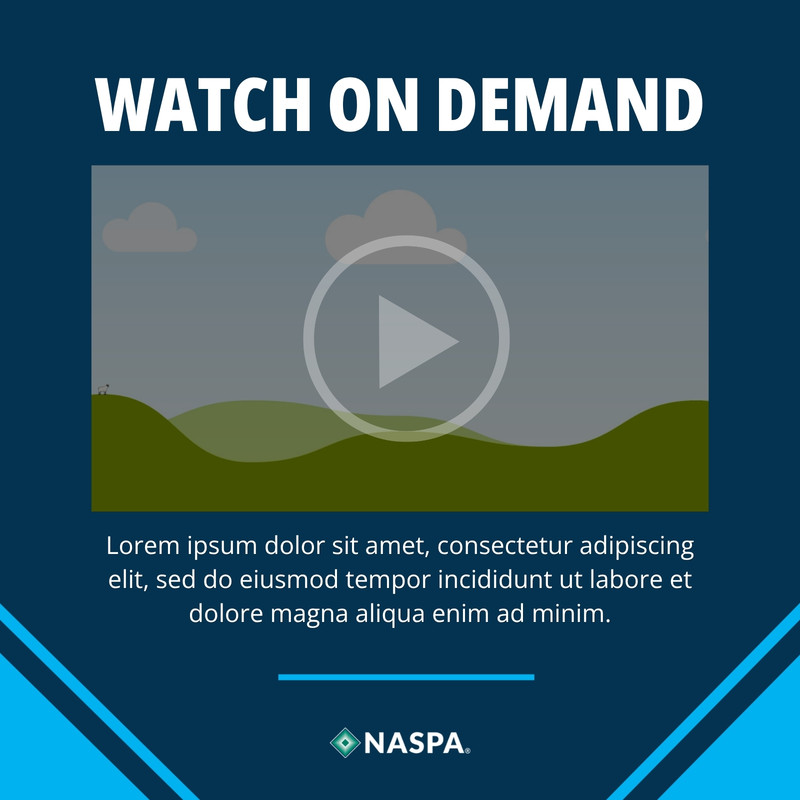
Social - Webinar - On-Demand Recording
Promote a recording after a live program concludes.
Canva · Staff access
Template
Webinars
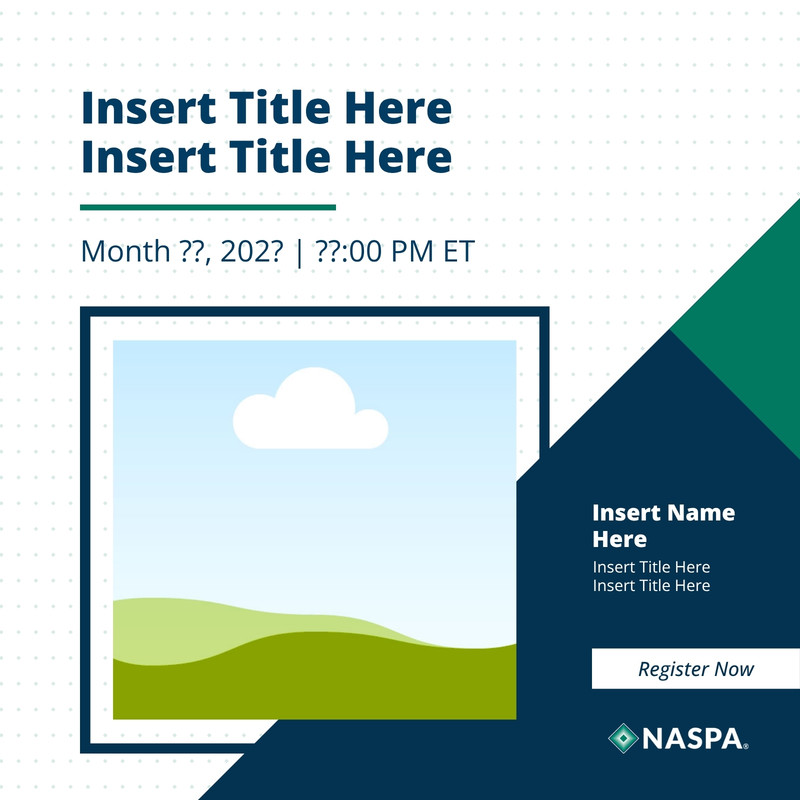
Social - Webinar - Single Expert
Feature a single presenter with event details and topic.
Canva · Staff access
Template
Webinars
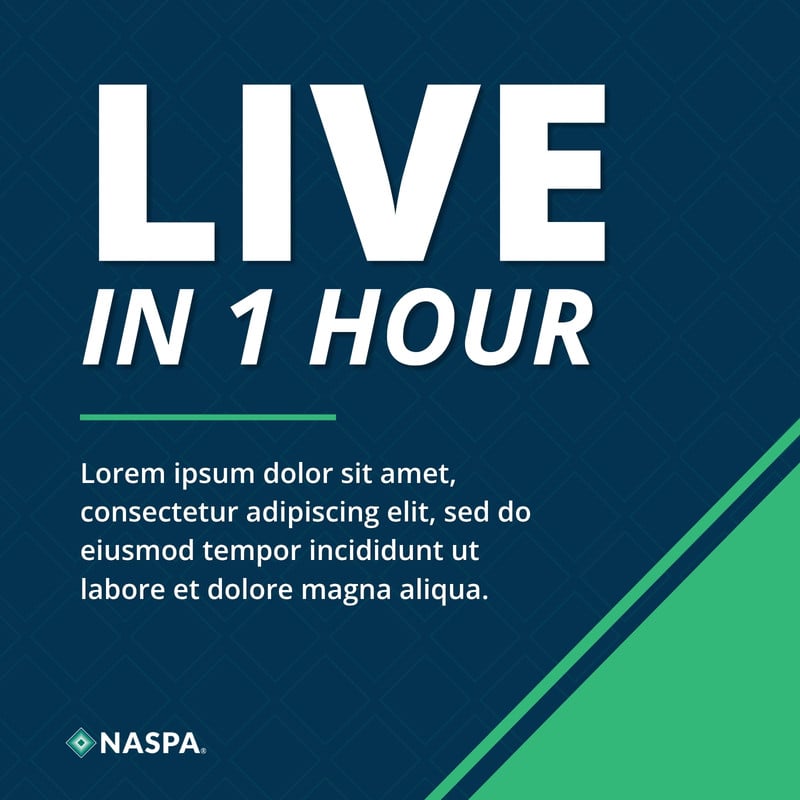
Social - Webinar - Starting Soon
Create urgency for an upcoming live session.
Canva · Staff access
Template
Webinars
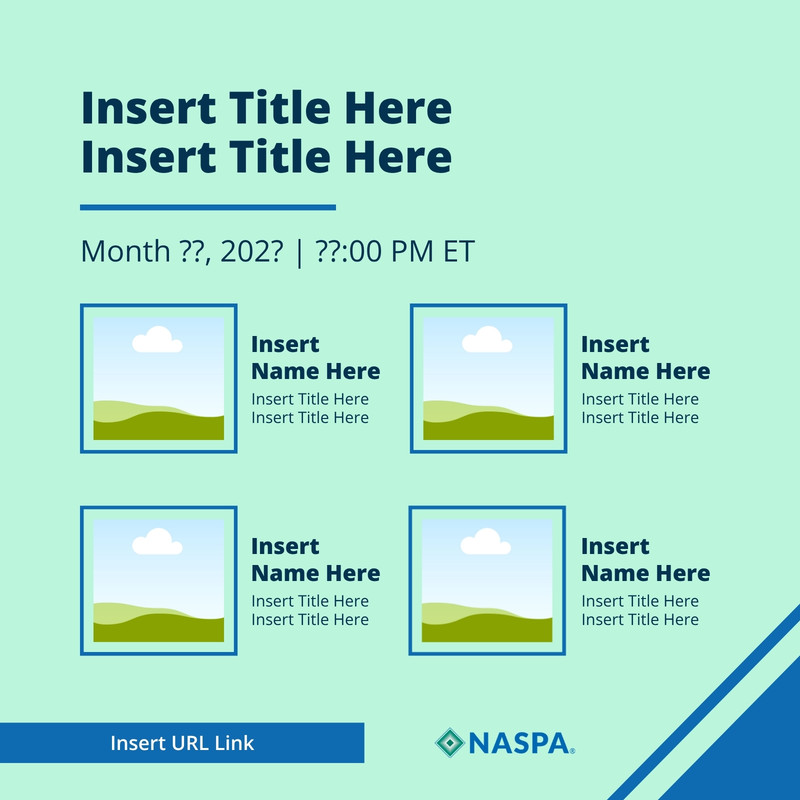
Social - Webinar - Virtual Panel
Showcase multiple presenters in a balanced event layout.
Canva · Staff access
Social MediaSocial Media Best Practices
Guidance
Best Practices
Social Media Best Practices
Plan accessible, consistent, and effective NASPA social content.